
To vacuum an inground pool, connect a vacuum head to a telescoping pole and suction hose, remove air from the hose, attach it to the pool’s skimmer or vacuum port, and move the head slowly across the floor. For most pools in the United States, vacuuming once a week—or whenever dirt settles on the bottom—helps keep the water clear and reduces strain on the filter.
The exact valve setting depends on your pool system. Use Filter for light routine cleaning. Use Waste when the pool has heavy dirt, algae, or debris that you do not want sent through the filter. Always follow the instructions for your pump, filter, and multiport valve.
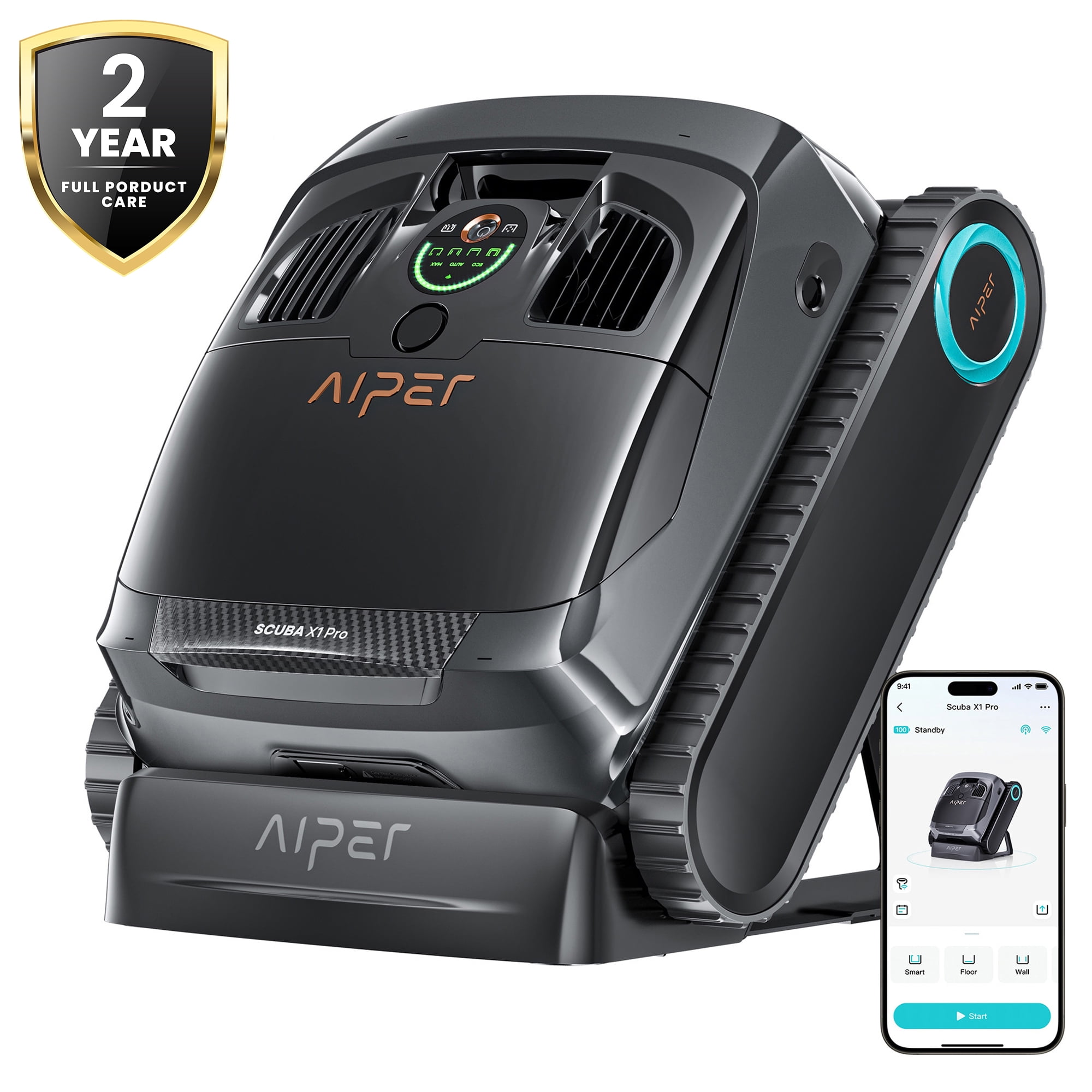
What You Need to Vacuum an Inground Pool
Gather the right equipment before starting. Most traditional inground pool systems use a manual vacuum that connects to the pool’s circulation system.
You will need:
- A pool vacuum head
- A telescoping pool pole
- A vacuum hose long enough to reach the farthest area of the pool
- A skimmer vacuum plate, also called a skim-vac, or a dedicated vacuum port
- A pool skimmer basket
- A clean pump or filter basket
- A pool brush for walls and steps
- Water test strips or a liquid test kit
- A pool net for large leaves and floating debris
A manual vacuum head sits on the pool floor. The pole lets you guide it. The hose carries water and dirt from the vacuum head to the pump and filter.
Some pools have a dedicated suction port in the wall. Others connect the vacuum hose through the skimmer. If you are not sure which setup you have, check the equipment labels or the pool builder’s instructions.
Manual vacuum versus automatic pool cleaner
A manual vacuum gives you more control. It works well when dirt collects in one area, after a storm, or when you need to clean steps and corners.
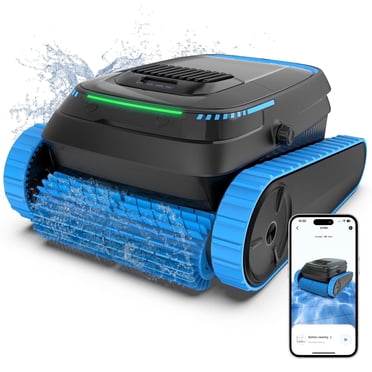
An automatic suction cleaner connects to the same type of suction line but moves on its own. A pressure-side cleaner uses return water and a separate booster system in some installations. A robotic cleaner uses its own motor and filter bag or basket. These are different systems, so do not connect them in the same way.

Before You Start: Check the Pool and Equipment
Remove large debris before vacuuming. Use a leaf net for sticks, leaves, toys, and other objects. Large debris can clog the vacuum head, hose, skimmer basket, or pump basket.
Check the water level. The level should normally sit around the middle of the skimmer opening. If the water is too low, the skimmer can draw air. That can interrupt suction and may damage the pump.
Test the pump and filter area for leaks or unusual sounds. Do not vacuum if the pump is losing prime, the equipment is leaking, or the motor is overheating. Turn off the system and contact a qualified pool technician if you cannot identify the problem.
Brush before vacuuming or after?
Brush the walls, floor, steps, and ledges before vacuuming when dirt or algae is stuck to the surfaces. Brushing loosens the material so the vacuum can collect it.
For a light layer of loose dust, vacuum first. Brushing after vacuuming may stir up dirt that you have already removed.
If the pool has visible algae, brushing and vacuuming alone will not solve the problem. Test and balance the water, then use a treatment that matches the algae and your pool surface. Follow the product label. Never mix pool chemicals.
Check the filter type
Your filtration system changes the best vacuum setting:
| Filter type | Common vacuum approach | Key limitation |
|---|---|---|
| Sand filter | Vacuum to Filter for routine dirt; use Waste for heavy debris when available | Backwash after pressure rises or according to the manual |
| Diatomaceous earth filter | Vacuum to Filter for normal cleaning; use Waste when appropriate | The filter may need backwashing and fresh DE |
| Cartridge filter | Usually vacuum to Filter | Many systems do not have a waste setting |
| Small above-ground-style system used with an inground pool | Follow the equipment manual | Suction and flow may be limited |
A cartridge filter usually cannot send water directly to waste unless the plumbing includes a separate waste line or valve. Do not force a multiport valve into a position your equipment does not support.
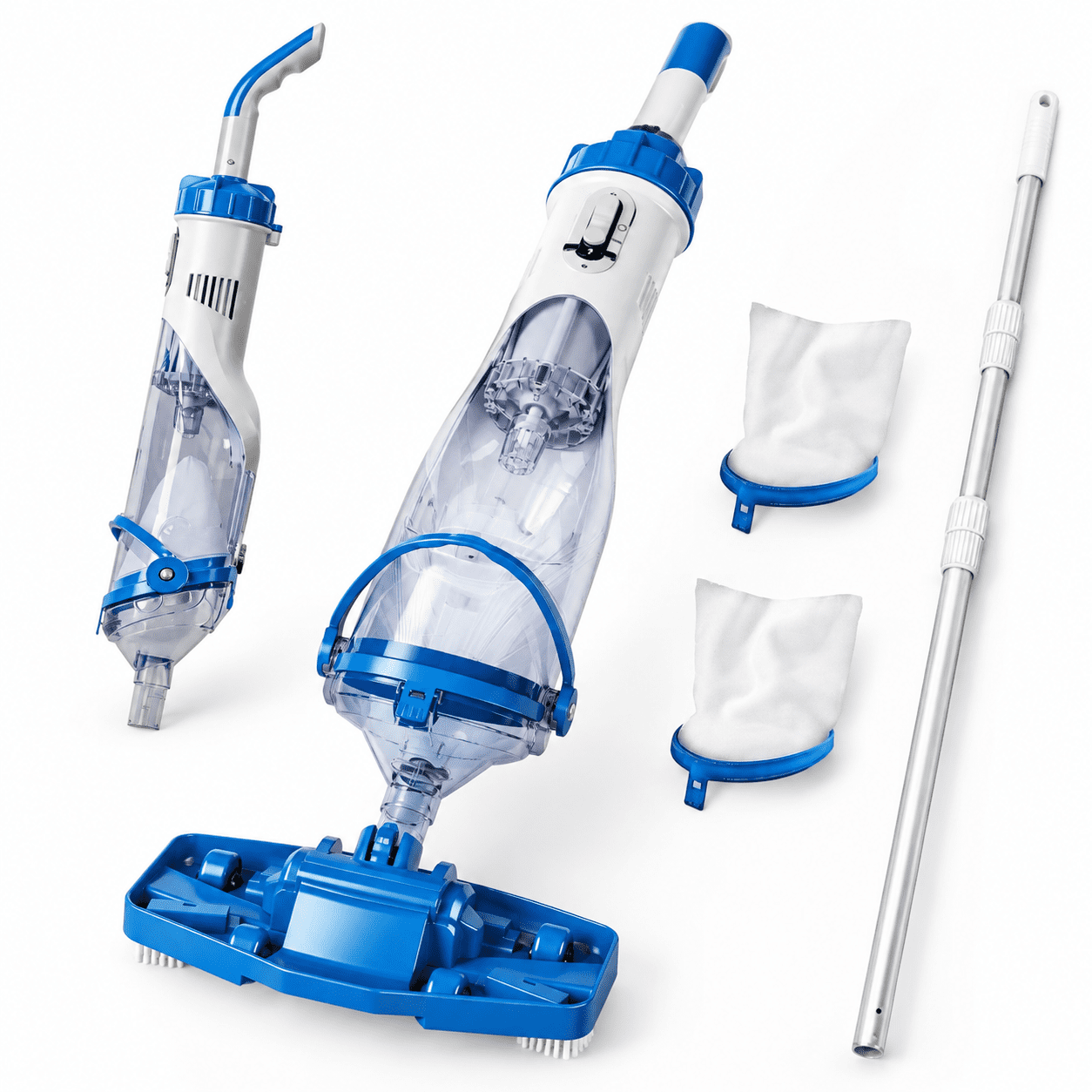
How to Vacuum an Inground Pool Step by Step
Follow these steps for a standard manual pool vacuum.
1. Assemble the vacuum
Attach the vacuum head to the telescoping pole. Push the hose onto the vacuum head until it fits tightly.
Keep the pole collapsed at first if that makes assembly easier. Extend it only after the vacuum head is in the water.
2. Set the valve to the correct position
Turn the pump off before changing a multiport valve position. Never move a multiport valve while the pump is running.
For routine cleaning, set the valve to Filter. This sends the dirty water through the filter and returns clean water to the pool.
Use Waste only when your system has that setting and you need to remove heavy dirt, algae, or cloudy water from the pool. Waste mode sends water out of the pool, so watch the water level closely.
After setting the valve, make sure the pump lid is secure and restart the pump. If your system uses a suction control valve, open the correct line as directed by the equipment instructions.
3. Fill the vacuum hose with water
Air in the hose can cause weak suction or make the pump lose its prime.
Lower the vacuum head into the pool while keeping the pole attached. Hold the free end of the hose in front of a return jet. Water flowing from the return will push air out of the hose.
When bubbles stop coming from the vacuum head, the hose is full of water. Keep the hose underwater while connecting it to the skimmer or vacuum port.
Some pool owners place the hose vertically in the water and let it fill from the bottom up. Either method works if the hose contains water before it connects to the suction line.
4. Connect the hose
For a skimmer connection, remove the skimmer lid and basket only if your equipment instructions allow it. Keep the pump running only if the system is designed for that connection and the hose stays full of water.
Attach the hose to a skim-vac plate, then place the plate over the skimmer opening. In some systems, the hose connects directly to the suction port below the skimmer basket.
Do not leave the pump running with an empty skimmer basket or an open suction line. The correct setup varies by pool plumbing.
5. Lower the vacuum head to the pool floor
Lower the head gently. Do not drop it, since a hard impact can damage the head or a vinyl liner.
Keep the head flat against the floor. A flat head creates better contact and steadier suction. If the head floats, check for trapped air in the hose or vacuum head.
6. Vacuum slowly in overlapping paths
Move the vacuum head slowly across the floor. Use long, overlapping strokes, much like mowing a lawn.
Start at the shallow end and work toward the deep end if that feels most natural for your pool. Keep the vacuum head under control near steps, drains, benches, and corners.
Moving too fast can stir dirt into the water instead of collecting it. If the water becomes cloudy, pause and let the particles settle before continuing.
7. Watch the pressure and water level
Monitor the filter pressure gauge while vacuuming. The normal pressure range differs by system, so use the clean-start pressure recorded for your filter.
A noticeable pressure increase may mean the filter needs cleaning or backwashing. Stop the pump before changing the valve or cleaning the filter.
If the pool water drops near the bottom of the skimmer opening, stop vacuuming. Add water before continuing. Do not let the pump pull air.
8. Finish and disconnect
Turn off the pump before removing the hose or changing the valve. Remove the skim-vac plate and return the skimmer basket to its normal position.
If you used Waste, replace the water lost during vacuuming. If you used Filter, clean or backwash the filter only when the pressure or equipment instructions indicate it is needed.
Rinse the vacuum head and hose with fresh water if they are dirty. Store the hose loosely coiled, not sharply folded.
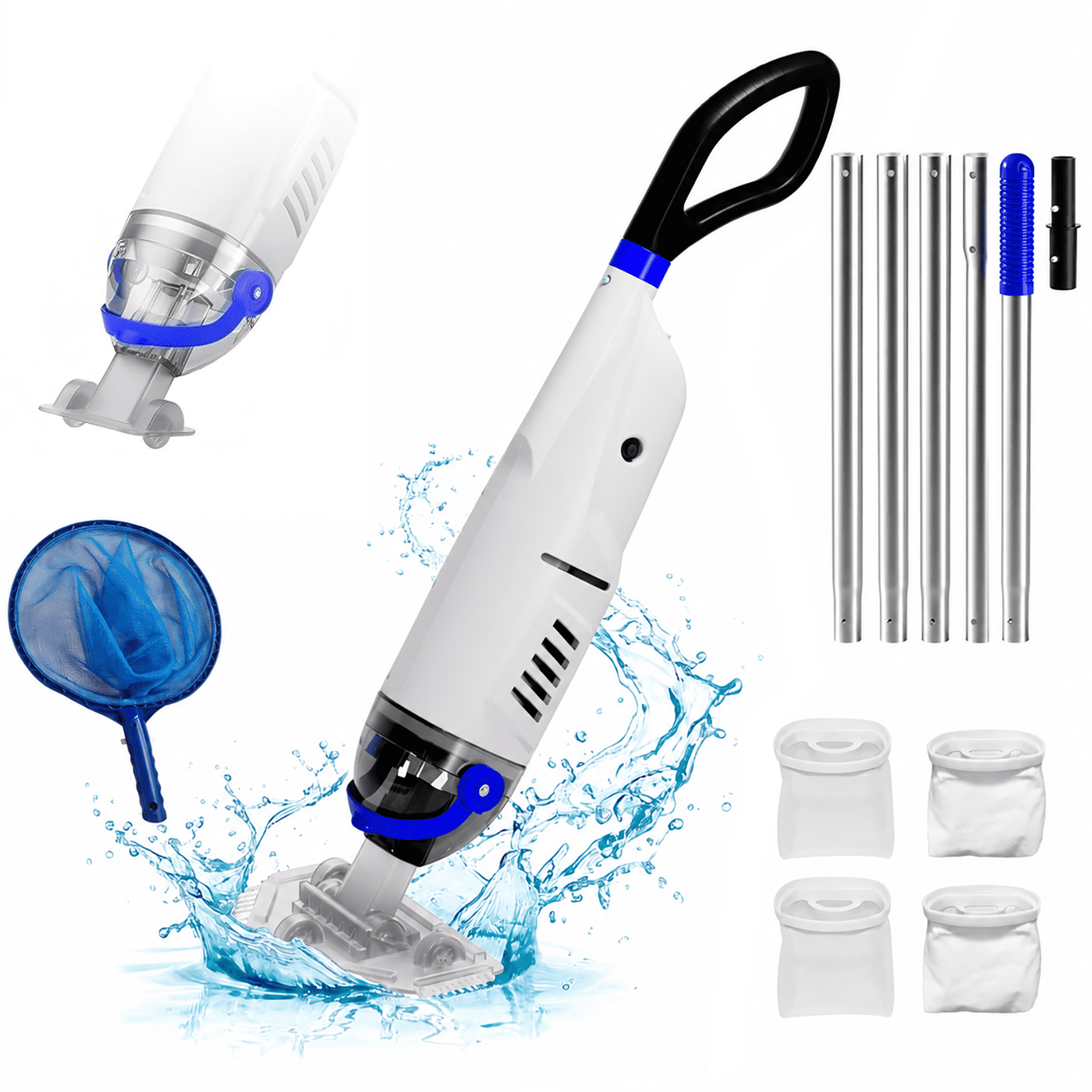
Should You Vacuum on Filter or Waste?
Use Filter for normal weekly cleaning and small amounts of loose dirt. Use Waste for heavy debris, large amounts of algae, or very cloudy water when your system allows it.
The choice affects both water quality and water use:
| Setting | Best for | What happens to dirty water |
|---|---|---|
| Filter | Routine dust, sand, and small debris | Water passes through the filter and returns to the pool |
| Waste | Heavy dirt, algae, or material you want removed | Water leaves the pool through the waste line |
| Recirculate | Limited situations specified by the equipment manual | Water bypasses the filter and returns to the pool |
| Backwash | Cleaning a sand or DE filter | Water flows backward through the filter and exits to waste |
Do not use Backwash as the normal vacuum setting. Backwash is for cleaning the filter, not for vacuuming the pool.
Vacuuming to waste can lower the water level quickly. This matters during hot weather, drought restrictions, or when the pool already has low water. In many parts of the United States, local water rules may limit pool draining or refilling, so check local requirements when water loss is significant.
How to Vacuum an Inground Pool With a Cartridge Filter
A cartridge filter usually requires a different approach because many cartridge systems do not have a waste setting.
Set the system to its normal filtration position, connect the vacuum, and vacuum slowly. The cartridge will collect the dirt removed from the pool.
Afterward, turn off the pump and remove the cartridge according to the manufacturer’s instructions. Spray the cartridge from top to bottom with a clean garden hose. Avoid using a pressure washer, which can damage the filter fabric.
Do not clean the cartridge after every light vacuum unless the pressure gauge shows that cleaning is needed. Frequent cleaning can shorten cartridge life and wastes water.
If the pool contains a large amount of algae or fine debris, a cartridge filter may clog quickly. Stop when the pressure rises well above the normal clean pressure. Clean the cartridge before continuing.

How to Vacuum Pool Steps, Corners, and Walls
Pool steps and corners need slower, shorter strokes because debris tends to collect where surfaces meet.
Angle the vacuum head so one edge reaches into the corner. Avoid scraping hard against a vinyl liner. For tile or plaster, use steady pressure without forcing the head into grout lines or fittings.
Vacuum walls only if your vacuum head and pool surface allow it. Many standard suction vacuum heads are designed mainly for floors. A wall brush may be safer and more effective for vertical surfaces.
Use a brush to clean:
- Around return jets
- Along the waterline
- Behind ladders
- Around floor drains
- At the base of steps
- In corners and along seams
If dirt keeps returning to one area, check the return-jet direction. Poor circulation can push dust toward steps or corners. A damaged pool surface, leaking fitting, or broken cleaner may also be involved.

Troubleshooting Pool Vacuum Problems
The vacuum has no suction
Possible causes include:
- Air remains in the hose
- The hose connection is loose
- The skimmer basket is clogged
- The pump basket is full
- The water level is too low
- The wrong suction valve is open
- The filter is dirty
- The pump has lost prime
First, check that the hose is completely full of water. Next, inspect the connection and baskets. Then check the water level and filter pressure.
Turn off the pump before opening the pump lid or removing a basket. If the pump will not regain prime, stop troubleshooting and get professional help.
The vacuum head will not stay on the floor
Air may be trapped in the vacuum head or hose. Hold the head underwater and refill the hose at a return jet.
If the head still floats, inspect the head for cracks or a damaged brush skirt. A worn or poorly fitting head may not create enough contact with the pool floor.
The pump loses prime while vacuuming
The pump may be pulling air through the skimmer, hose, lid seal, or a low water level. Stop the pump so it does not run dry.
Check that the skimmer opening remains covered by water. Inspect the pump lid O-ring and hose connections. If the problem continues, a suction-side air leak may require a pool professional.
The water becomes cloudy
Vacuuming can stir up fine particles. Stop moving the head and allow the water to settle. Then vacuum more slowly.
Cloudy water can also result from poor filtration, unbalanced water, algae, or excessive swimmer load. Test the water and check the filter pressure. Chemical treatment should follow the product label and the needs of your pool surface.
The vacuum keeps clogging
Remove large debris with a leaf net first. Check the vacuum head, hose, skimmer basket, and pump basket often.
For heavy debris, use the waste setting if your system supports it. Do not allow the pump to run without adequate water flow.
The pool is still dirty after vacuuming
Look for missed areas, dead spots in circulation, or dirt entering from a damaged filter. A sand filter may need backwashing, while a DE filter may need its normal cleaning and DE recharge.
If fine dust returns through the pool returns, the filter may be damaged or incorrectly serviced. Have the filter inspected before continuing to vacuum repeatedly.

Safety Rules for Pool Vacuuming
Pool equipment combines water and electricity, so use caution.
- Keep electrical connections dry.
- Use equipment protected by the required ground-fault protection.
- Never use a damaged cord, plug, pump, or vacuum component.
- Turn off the pump before changing a multiport valve.
- Do not place hands over a suction outlet.
- Keep children away from open skimmers and suction fittings.
- Do not swim while servicing the circulation system.
- Wear eye protection when handling pool chemicals.
- Never mix chlorine products with acids or other chemicals.
- Follow the labels for algaecides, shock products, and filter cleaners.
A drain cover should be secure and intact. Do not vacuum over a missing, cracked, or loose drain cover. A pool professional should inspect unsafe suction fittings before the pool is used.

How Often Should You Vacuum an Inground Pool?
Most pools benefit from vacuuming about once a week during the swimming season. Your schedule may need to change based on weather, trees, use, and the condition of the water.
Vacuum when:
- Dirt is visible on the floor
- Leaves or sand collect in one area
- A storm blows debris into the pool
- Algae treatment leaves dead material on the floor
- The pool has heavy use
- The filter cannot remove settled debris efficiently
Brush and skim the pool more often than you vacuum if debris builds up quickly. A regular cleaning plan reduces the amount of dirt that reaches the filter.
After major storms or pollen events, remove large debris first. Then allow the circulation system to run as directed by your pool-care plan before vacuuming fine material.
Signs You Vacuumed Correctly
The process worked when:
- The vacuum head moved smoothly across the floor.
- The pump kept steady prime.
- The filter pressure stayed within its normal range.
- The water level remained above the skimmer opening.
- Dirt was removed instead of being pushed around.
- The floor, steps, and corners look visibly cleaner.
- The system returned to normal circulation after cleanup.
Record the filter’s clean pressure after a thorough filter cleaning. That number gives you a useful comparison for future vacuuming.
Do not judge success by clear water alone. Test the water after cleaning, especially if the pool was cloudy or had algae. Clear water can still have incorrect sanitizer or pH levels.

Frequently Asked Questions
Can I vacuum an inground pool without a skimmer plate?
Yes, but only if your pool has a dedicated vacuum port or another connection approved by the equipment manufacturer. Do not improvise a connection that could expose the pump to air or create an unsafe suction point.
Should the pump be on when I connect the vacuum hose?
The safest general practice is to turn the pump off while making or changing connections, unless your system’s instructions specify another method. The hose must be full of water before the pump runs through it.
Why does my pool vacuum lose suction after a few minutes?
The most common causes are trapped air, a clogged basket, low water, a dirty filter, or a loose hose connection. Check those items in that order, and stop the pump if it loses prime.
Can I vacuum algae directly into the filter?
You can use the filter for light algae residue, but heavy algae may quickly clog it. If your system has a waste setting, vacuuming heavy algae to waste can keep more debris out of the filter. Follow local water rules and replace lost water safely.
How long should it take to vacuum an inground pool?
The time depends on pool size, debris, hose length, and your speed. Move slowly enough to avoid stirring dirt. A rushed pass often means the pool must be cleaned again.

Conclusion: The Best Way to Vacuum Your Pool
The best way to vacuum an inground pool is to remove large debris, fill the hose with water, connect it correctly, choose Filter or Waste for the situation, and move the vacuum head slowly in overlapping paths. Watch the water level and filter pressure throughout the job.
For routine cleaning, use the filter setting. For heavy dirt or algae, use waste only when your plumbing supports it and water loss is acceptable. Stop if the pump loses prime, suction becomes unsafe, or the equipment behaves abnormally.
After vacuuming, return the system to its normal circulation setting, clean the filter when required, and test the water. A steady weekly routine is usually easier on the pool than waiting until dirt and algae have built up.
One Comment