
The best way to vacuum a pool is to connect a vacuum head to a telescopic pole and hose, prime the hose with water, attach it to the skimmer or dedicated suction port, and move the head slowly across the pool floor. Use the Filter setting for normal dirt. Use Waste only when your pool system supports it and you need to remove heavy debris or algae from the water.
Vacuuming removes dirt that settles on the floor but does not replace regular skimming, brushing, filtration, or water testing. The right method depends on your pool surface, filter type, and the amount of debris in the water.
Introduction
For most homeowners in the United States, vacuuming once a week is a useful starting point during pool season. Pools near trees, construction areas, or dusty yards may need more frequent cleaning. A slow, careful pass usually works better than rushing, which can stir dirt back into the water.
This guide explains how to vacuum an inground or above-ground pool with a manual vacuum. It also covers filter settings, cloudy water, algae, low suction, and common mistakes.

What You Need Before You Start
Gather the basic pool vacuum parts and check your equipment before turning on the pump.
You will usually need:
- A vacuum head that matches your pool surface
- A telescopic pool pole
- A flexible vacuum hose long enough to reach the farthest point
- A skimmer plate, also called a vacuum plate, if your setup uses one
- A clean or properly serviced filter
- A pool brush and leaf net for loose debris
- Water test supplies
- Clean water for priming the hose
Choose a vacuum head made for your pool finish. A brush-style head may help with plaster or concrete. A softer head is often better for vinyl liners and fiberglass pools. Check the vacuum head and hose for cracks, worn wheels, or loose connections.
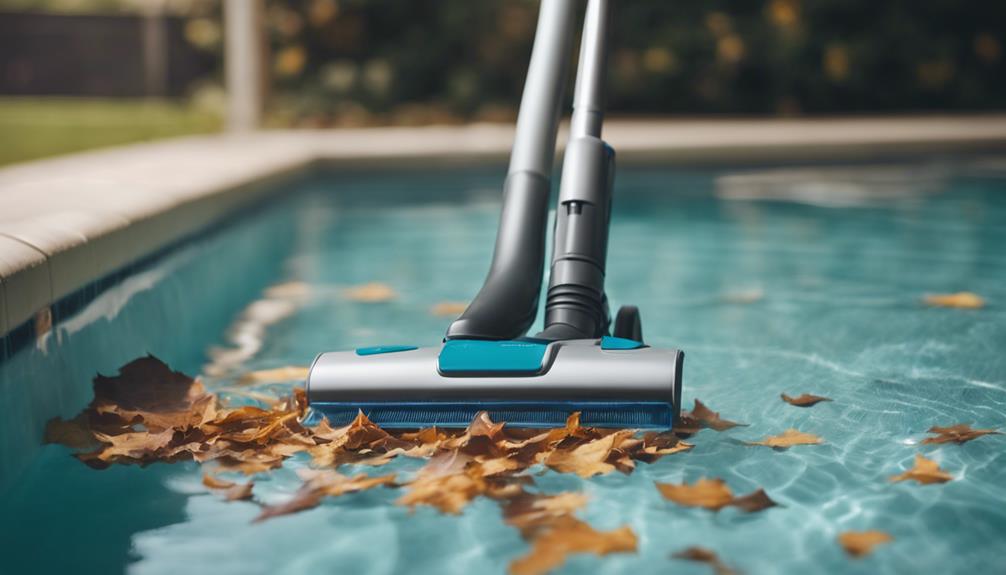
Before cleaning, remove large leaves, twigs, toys, and other debris with a leaf net. Large debris can block the vacuum head, clog the skimmer basket, or reduce water flow.
Check the water level
The water should normally sit around the middle of the skimmer opening. A low water level can cause the pump to draw air. Too much air may reduce suction and can damage some pool equipment if the pump runs without enough water.
If the water is low, add water before vacuuming. If the level drops quickly, look for a leak or another water loss problem.
Check the filter and pump
A dirty filter can reduce suction. Clean or backwash it according to the filter maker’s instructions. Cartridge filters usually need removal and hose cleaning. Sand and diatomaceous earth, or DE, filters have different cleaning steps.
Always follow the instructions for your exact filter and valve. Equipment layouts differ between pools.
Which Pool Vacuum Setting Should You Use?
Use Filter for routine vacuuming and Waste for heavy debris or algae when your equipment supports that setting.
| Pool condition | Usual setting | Why |
|---|---|---|
| Small amounts of dirt or sand | Filter | The filter catches the debris and keeps the water |
| Leaves or heavy dirt | Waste, if available | Debris leaves the pool instead of entering the filter |
| Dead algae or fine debris | Waste, if available | Helps keep the material from returning through the pool |
| Cartridge filter system | Filter | Cartridge systems usually do not have a waste setting |
| DE filter system | Filter or the documented waste mode | Follow the filter manufacturer’s instructions |
The Filter setting sends water through the filter and back into the pool. It is the best choice for normal cleaning because it does not lower the water level as quickly.
The Waste setting sends water out of the pool through a waste line. This can work well for large amounts of debris, but it lowers the water level. Watch the pool while vacuuming and stop before the water falls below the skimmer opening.
If your system has a Backwash setting, do not use it as a general vacuum setting unless the equipment instructions specifically say to do so. Backwash is normally used to clean a sand or DE filter, not to vacuum the pool.
How to Vacuum a Pool Manually
Follow these steps for a standard manual pool vacuum.
1. Turn off the pool pump
Turn off the pump before connecting or changing vacuum equipment. If you need to change a multiport valve setting, move the valve only when the pump is off.
This helps protect the valve and reduces the risk of sudden water flow.
2. Assemble the vacuum head
Attach the vacuum head to the telescopic pole. Make sure the connection clicks or locks into place.
Attach one end of the vacuum hose to the vacuum head. Keep the other end near the pool deck until you remove the air from the hose.
3. Fill the hose with water
Air in the hose can cause the pump to lose prime and can stop suction. The simplest method is to hold the free end of the hose in front of a return jet while the pump is running. Water will push air out of the hose.
You can also lower the full hose into the pool one section at a time. Keep the open end underwater so air does not enter again.
Do not connect a hose full of air to the skimmer and then leave the pump running. Air can enter the pump basket and interrupt water flow.
4. Connect the hose to the suction point
Turn off the pump again if needed. Connect the hose to one of these points:
- A vacuum port in the pool wall
- A skimmer opening with a vacuum plate
- The skimmer suction port, if your pool system allows direct connection
If you use a skimmer plate, place it over the skimmer basket unless the equipment instructions say otherwise. Some systems require the basket to remain in place. The basket catches debris before it reaches the pump.
5. Set the valve before restarting the pump
Choose Filter for normal dirt. Choose Waste only when appropriate and available.
Keep the pump off while changing the valve. Once the correct setting is selected, turn the pump on and check the pump basket and pressure gauge.
If the pump loses prime, turn it off. Check for air in the hose, a loose lid, a low water level, or a blocked skimmer basket.
6. Move the vacuum head slowly
Start at the shallow end and work toward the deep end. Use long, straight passes that overlap slightly.
Move slowly enough that dirt stays on the vacuum head. Fast movements create currents that lift dirt into the water.
A useful pattern is:
- Vacuum the shallow end.
- Work across the floor in overlapping lines.
- Follow the slope into the deep end.
- Clean around steps, corners, ladders, and drains.
- Check the water and vacuum head as you go.
Avoid pushing the vacuum head into the pool surface. Let the head glide with steady contact.
7. Watch the water flow
Stop and inspect the system if you see bubbles in the return jets, hear unusual sounds, or notice weak suction.
If the water level becomes too low while using Waste, turn off the pump and refill the pool before continuing. Never allow the pump to run without a steady water supply.
8. Finish and clean the equipment
Turn off the pump before disconnecting the hose or changing the valve setting. Remove the vacuum head and pole from the pool.
Empty the skimmer and pump baskets. If you used the Waste setting, restore the water level. Clean the filter if the pressure rose or the manufacturer’s instructions call for it.
Rinse the vacuum head and hose with fresh water. Store them out of direct sunlight when possible.

How to Vacuum an Above-Ground Pool
Above-ground pools use the same basic vacuum process, but the equipment may connect differently.
Many above-ground pools use a skimmer vacuum adapter or a small suction port. Some use a separate filter pump with limited suction. Check the pool and pump instructions before connecting a manual vacuum.
For best results:
- Use a vacuum head made for an above-ground pool
- Avoid dragging the head hard across a vinyl liner
- Keep the hose full of water before connecting it
- Watch for air entering through the skimmer
- Do not stand on or lean against the pool wall while vacuuming
- Stop if the liner shifts, wrinkles, or pulls away from the wall
Above-ground pool liners can be damaged by sharp tools, rough vacuum heads, or excessive pressure. Use gentle movements and inspect the vacuum head before each use.
How to Vacuum Algae and Heavy Debris
Heavy algae and large amounts of fine debris may require a different approach from routine cleaning.
If you can see thick algae or a layer of dead material on the floor, use the Waste setting when your system supports it. This removes debris from the pool rather than sending it into the filter. Keep adding water as needed so the pump does not lose prime.
Brush the walls and floor first if the algae is attached to the surface. Brushing loosens it so the vacuum can remove it. However, brushing can make the water cloudy for a while.
Do not mix pool chemicals in the skimmer. Follow the label for every chemical, and never combine chlorine products with acids or other cleaners. If the pool has severe algae, repeated water loss, or equipment problems, a pool professional may be safer and more efficient.
After removing algae, test and balance the water. Common tests include:
- Free chlorine
- pH
- Total alkalinity
- Cyanuric acid
- Calcium hardness, when relevant to the pool surface and water source
The Centers for Disease Control and Prevention recommends regular testing and proper disinfectant and pH control for healthy pool water. Exact chemical targets can vary by product, pool type, and local guidance, so use current label directions and test-kit instructions.

How Often Should You Vacuum Your Pool?
Vacuum when dirt is visible or when debris settles on the floor. Once a week is a common routine for a used residential pool, but the right schedule depends on the site.
Vacuum more often when:
- Trees drop leaves or pollen into the pool
- Wind carries dust into the water
- Swimmers bring in soil or grass
- The pool is near a construction area
- The pool has recurring algae
- The filter cannot remove settled debris well
Skim the surface and empty baskets before vacuuming. This reduces the amount of debris that reaches the filter and helps maintain steady suction.
A simple weekly routine can include:
- Test the water.
- Remove surface debris.
- Brush the walls and steps.
- Vacuum the floor.
- Empty baskets.
- Check filter pressure.
- Clean or backwash the filter when required.
Vacuuming is not always needed after every storm. If the pool has only leaves on the surface, a leaf net may be enough. Vacuum when dirt has settled or when brushing leaves debris on the floor.
What to Do When the Pool Vacuum Has Low Suction
Low suction usually comes from air, a blockage, a dirty filter, or an incorrect valve position. Check the easiest and safest causes first.
| Symptom | Likely cause | What to check |
|---|---|---|
| No suction at the vacuum head | Hose is full of air or not connected | Prime the hose and check each connection |
| Weak suction after a few minutes | Skimmer or pump basket is full | Turn off the pump and empty the basket |
| Bubbles return to the pool | Air leak or low water level | Check the water, lid seal, and hose |
| Suction improves after cleaning | Dirty filter | Clean or backwash as directed |
| Vacuum stops on one area | Clogged head or hose | Turn off the pump and clear the blockage |
| Pump basket is not full of water | Pump lost prime | Turn off the pump and follow the pump manual |
Never reach into the skimmer, pump basket, or suction port while the pump is running. Turn off the pump first.
If the pump repeatedly loses prime, the filter pressure changes sharply, or the system makes grinding or rattling sounds, stop using it. A licensed pool technician can check for plumbing leaks, valve faults, or pump damage.

Common Pool Vacuum Mistakes
Avoiding a few common errors makes vacuuming faster and protects the pool system.
Moving the vacuum too fast
Fast movement stirs dirt into the water. Slow passes help the vacuum remove debris instead of spreading it.
Forgetting to prime the hose
Air in the hose can reduce suction and cause the pump to lose prime. Fill the hose completely before connecting it.
Changing the valve while the pump runs
This can damage a multiport valve. Turn the pump off before selecting Filter, Waste, Backwash, or another setting.
Using Waste for routine dirt
Waste can remove clean water along with the debris. Use Filter for ordinary dirt unless your equipment instructions say otherwise.
Ignoring the water level
A low water level can let air enter the skimmer. Stop vacuuming and add water before the pump loses prime.
Vacuuming a damaged liner or surface
Do not use a rough or broken vacuum head. Repair or replace damaged parts before cleaning.
Skipping water tests
Clear water is not proof that the chemistry is safe. Test the water with a reliable kit or test strip and follow current product directions.
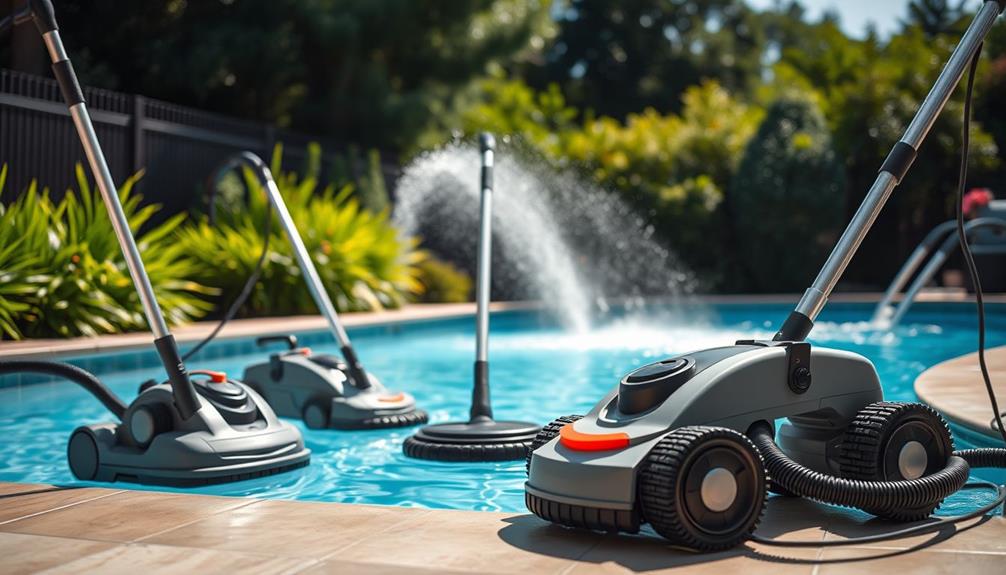
Manual, Automatic, or Robotic Pool Vacuum?
A manual vacuum gives you control and usually costs less to set up. It is useful for spot cleaning and for pools with unusual shapes.
An automatic suction-side or pressure-side cleaner can reduce routine work, but it depends on the pool pump and plumbing. It may not remove every type of debris equally well.
A robotic pool cleaner works independently of the pool’s circulation system in many designs. It can be useful when you want scheduled cleaning or when running the main pump for longer periods is not practical. The best choice depends on pool size, surface, debris type, storage, repair needs, and budget.
For occasional dirt, a manual vacuum is often enough. For frequent debris or limited time, an automatic or robotic cleaner may reduce hands-on work, but it does not remove the need to check baskets, brushes, filters, and water chemistry.

Pool Vacuum Safety Tips
Use pool equipment only when you can watch the system. Keep electrical connections, extension cords, and outdoor devices away from standing water. Use equipment with the required ground-fault protection and follow local electrical rules.
Keep children and swimmers away from the vacuum hose and equipment while the pump runs. A suction outlet can create a serious entrapment hazard if it is damaged or missing its approved cover.
Do not:
- Vacuum during lightning or severe weather
- Put hands near a suction port while the pump runs
- Mix pool chemicals
- Run the pump with no water flow
- Stand on a pool cover while cleaning
- Use a damaged hose, pole, head, or electrical device
Read the manuals for the pump, filter, valve, and cleaner. Manufacturer instructions take priority because pool systems differ.
Signs You Vacuumed the Pool Successfully
The pool floor should look clean, and the water should have normal circulation. A small amount of cloudiness may occur after brushing, but it should improve as the filter runs.
After vacuuming:
- The skimmer and pump baskets are not full
- The pump has steady water flow
- The filter pressure is within its normal range
- The water level remains safe
- No dirt plume appears behind the vacuum head
- The pool surface has no new scratches or liner damage
If the water stays cloudy, run the filter according to its instructions and test the water. If cloudiness continues, check for algae, poor filtration, incorrect chemistry, or a damaged filter.
Frequently Asked Questions
Should I vacuum my pool on Filter or Waste?
Use Filter for normal dirt and small amounts of debris. Use Waste for heavy debris or algae when your system supports it and you can replace the water safely. Waste lowers the pool level and is not available on many cartridge filter systems.
Do I brush the pool before vacuuming?
Brush first when dirt or algae sticks to the walls and floor. Brushing loosens the material so the vacuum can remove it. If you brush, let settled debris collect before vacuuming.
Can I vacuum a pool with a cartridge filter?
Yes. Use the normal filtration setting and clean the cartridge when the pressure rises or the filter becomes dirty. Most cartridge systems do not have a Waste setting, so avoid sending large amounts of algae into the filter unless the filter maker permits it.
Why does my pool get cloudy after vacuuming?
Vacuuming or brushing can stir fine particles into the water. A dirty filter, algae, poor circulation, or unbalanced water can also cause cloudiness. Check the filter and test the water before adding chemicals.
How long should I run the pool pump after vacuuming?
Run the pump according to your normal filtration schedule and the filter manufacturer’s instructions. If you brushed the pool or stirred fine dirt, additional filtration may help. Do not use a fixed number of hours as a substitute for checking water flow and filter pressure.
Final Takeaway
To vacuum a pool well, remove large debris first, fill the hose with water, connect it to the correct suction point, select the proper valve setting, and move the vacuum slowly in overlapping passes. Use Filter for routine dirt and Waste only for heavy debris when the pool system allows it.
Stop if the pump loses prime, suction becomes unstable, the water level drops too far, or equipment sounds change. Once the floor is clean, empty the baskets, restore the water level, check the filter, and test the pool water.
For official guidance, review the current CDC Healthy Swimming guidance and the owner’s manuals for your pump, filter, and valve.
One Comment